
Cull a thousand RAWs before your coffee cools.
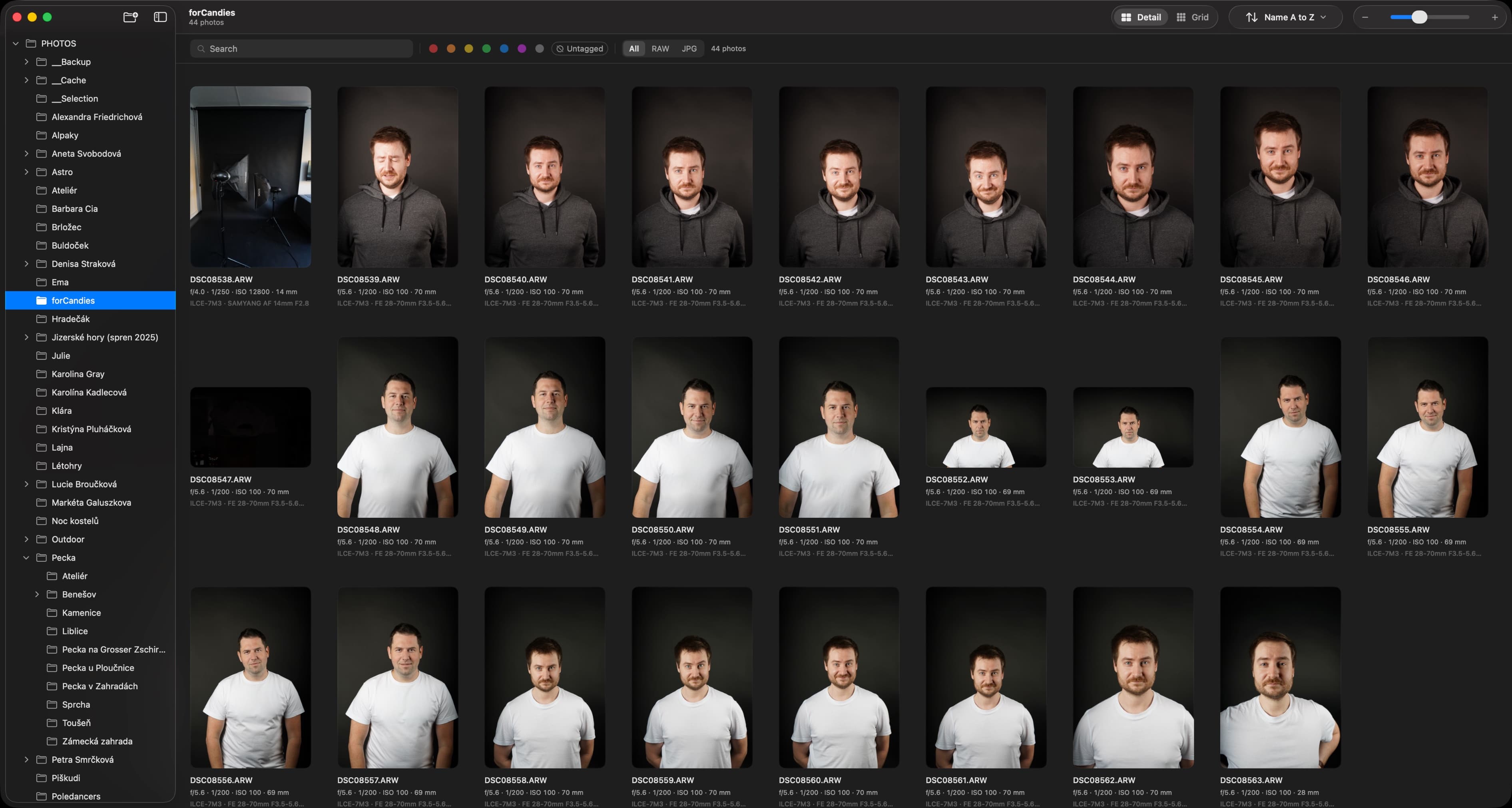
FastRAW is a native macOS RAW browser for folder-based culling with Finder tags — plus real, non-destructive RAW develop. No imports. No catalogs. No waiting.
Native macOS 14+ · Apple Silicon · Free beta
✦ Built for the cull
Everything between the shoot and the edit
FastRAW lives in the gap your heavyweight editor ignores: open a folder of two thousand RAWs, find the keepers, tag them, move on.
Three grid modes
Square for raw scanning speed, Info for filenames and tags, Justified for honest aspect ratios. Switch instantly — scroll position survives.
Finder tags, not a database
Tags are written straight to macOS Finder. Quit FastRAW and they're still there — in Finder, in Spotlight, in every other app.
Multi-select that means it
⌘-click, ⇧-ranges, ⌘A. Then bulk tag, bulk delete, bulk open, even bulk paste develop settings across the whole selection.
Before / after, held down
Hold to compare your develop against the untouched RAW. Copy adjustments from one frame, paste onto fifty.
Plays well with others
Open the keepers in Photoshop, Affinity, or anything else — single photo or the whole selection. FastRAW is a teammate, not a silo.
Deletes you can undo
⌘⌫ moves to Trash by default. Permanent delete exists, but it always asks first. Selection snaps to the next survivor so you never lose your place.
✦ Non-destructive develop
Real RAW develop. Your files stay untouched.
White balance, tone, presence, detail, lens corrections — running on Apple's Core Image RAW pipeline, straight from sensor data. Live preview re-renders in ~90ms while you drag.
Every edit lands in a plain-JSON sidecar next to your RAW. No catalog, no import, no proprietary database holding your work hostage. Delete the app tomorrow — your edits are still readable text.
// IMG_4023.ARW.fastraw.json
{
  "version": 1,
  "whiteBalance": { "temp": 12, "tint": -4 },
  "tone": {
    "exposure": 0.85,
    "highlights": -44,
    "shadows": 42
  },
  "detail": { "lumaNR": 25, "sharpness": 40 }
}✦ The boring engineering that makes it fast
Speed isn't a feature. It's the whole point.
Most browsers lean on macOS QuickLook and stall when its XPC daemon has a bad day. FastRAW decodes thumbnails directly with ImageIO, bounds concurrency with semaphores, and coalesces duplicate requests — so scrolling two thousand RAWs feels like scrolling JPEGs.
- DECODER
- ImageIO direct
- XPC DAEMONS
- none
- CONCURRENCY
- Swift 6 actors
- REQUESTS
- coalesced per key
- PRELOAD
- neighbors, both sides
- ELECTRON
- absolutely not
✦ Hands on keys
Cull without touching the mouse
Every action in the cull loop has a key. Arrow through, tag, delete, compare — at the speed of muscle memory.
✦ On the light table
Twelve RAW formats, nine brands
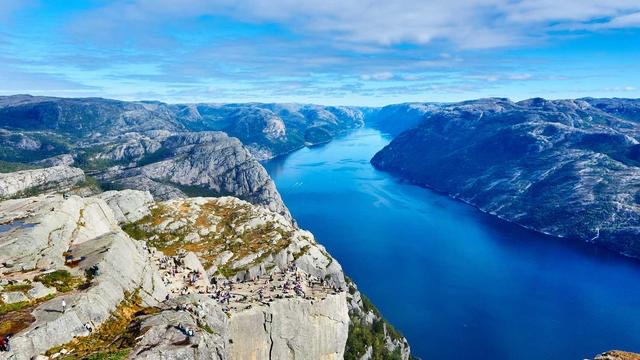
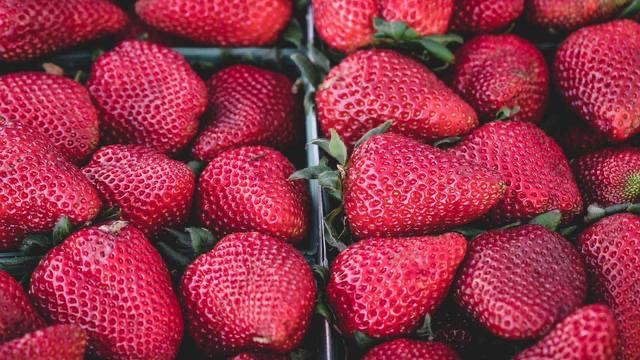
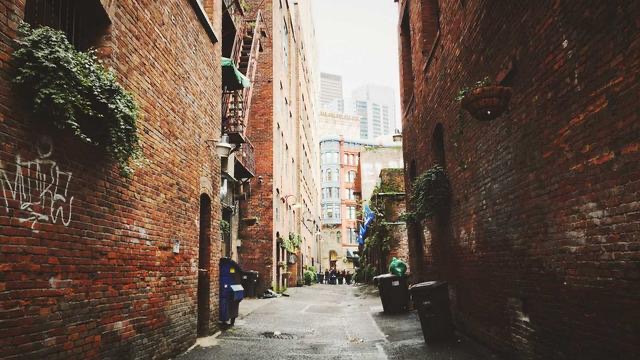
Mixed-brand shoots welcome. Every slide on the table opens right where it lives — no import, no conversion, no DNG detour.
.jpg.jpeg.png.tif.tiff


 .arw .sr2


 .cr2 .cr3


 .nef .nrw


 .raf
.raf


 .rw2
.rw2


 .orf
.orf


 .pef
.pef


 .rwl
.rwl


 .dng
.dng✦ Questions
Asked often enough
Which RAW formats are supported?+
Twelve RAW formats across nine brands: Sony (ARW, SR2), Canon (CR2, CR3), Nikon (NEF, NRW), Fujifilm (RAF), Panasonic (RW2), Olympus / OM System (ORF), Pentax (PEF), Leica (RWL) and Adobe DNG — plus JPEG, PNG and TIFF.
Does FastRAW import my photos into a library?+
No. FastRAW browses your folders exactly where they are — on your SSD, your NAS, your card reader. There is no import step, no catalog, no .lrcat equivalent.
Where do my edits live?+
In a small, human-readable JSON sidecar next to each RAW (photo.fastraw.json). Your original file is never modified. Move the folder, the edits move with it.
What happens to my tags if I stop using FastRAW?+
Nothing — that's the point. Tags are native macOS Finder tags, so they remain visible in Finder, searchable in Spotlight, and usable by any other app.
What does it need to run?+
macOS 14 Sonoma or newer. Built native for Apple Silicon with a GPU-backed Core Image pipeline.
How much does it cost?+
FastRAW is in beta and free while it's getting polished. Early users will get a meaningful discount when 1.0 ships.
Your next shoot deserves a faster morning after.
Free while in beta. macOS 14 Sonoma or newer, built for Apple Silicon. Your folders, your tags, your files — untouched.
Join the beta✦ no card, no account, no catalog